

Overview
The Wishlist is one list for everything you’re thinking about buying. Each item shows a target price and an optional link to the product page. When you buy something, I bought it moves it into your inventory.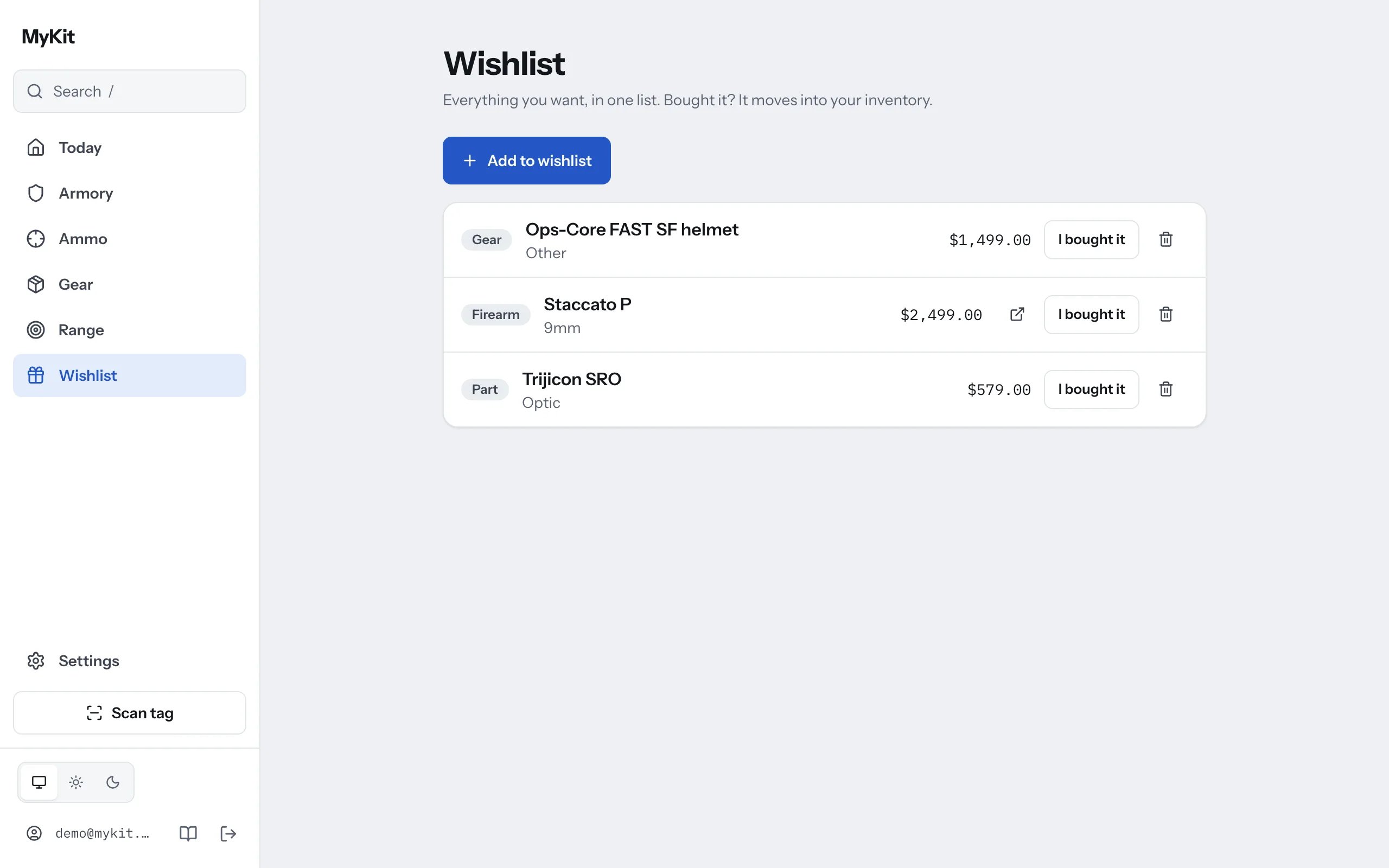
What can go on the wishlist
Each row on the list shows a badge (Firearm, Part, Gear or Ammo), the name, a short detail such as the caliber or part type, and the target price. If you added a link, the link icon opens the product page in a new tab.
Add an item
1
Open the form
On the Wishlist page, select Add to wishlist.
2
Describe it
Enter a Name and choose What is it: Firearm, Ammo, Gear, or a part category under Part. For a firearm, also pick its Type. Firearms and ammo also need a Caliber.
3
Add a price and link (optional)
Enter a Target price (for ammo, Target price per round, such as $0.30) and a Link (optional) to the product page.
4
Save
Select Add.
I bought it
When you buy something on your list, select I bought it on its row. MyKit asks “Nice. What did you pay?”1
Enter what you paid (optional)
Enter the Price paid (for ammo, Price paid per round) and the Date. The price starts as your target price and the date as today.
2
Save or skip
Select Save to record the price and date, or Skip to move the item without them. You can add them later on the item’s page.
- leaves the Wishlist and joins your inventory
- gets a Purchased entry in its history, dated with the date you entered
- opens on its own page, so you can fill in serials, location and anything else
The date you enter is saved as the purchase date for firearms and ammo, and as the acquired date for gear. Parts keep only the price, though the date still appears in the part’s history.